For homeowners
Read and pay an invoice
Updated Jun 30, 20262 min read
When your monthly invoice is ready, you'll see it in the app. Paying takes one tap and opens the payment app you already use.
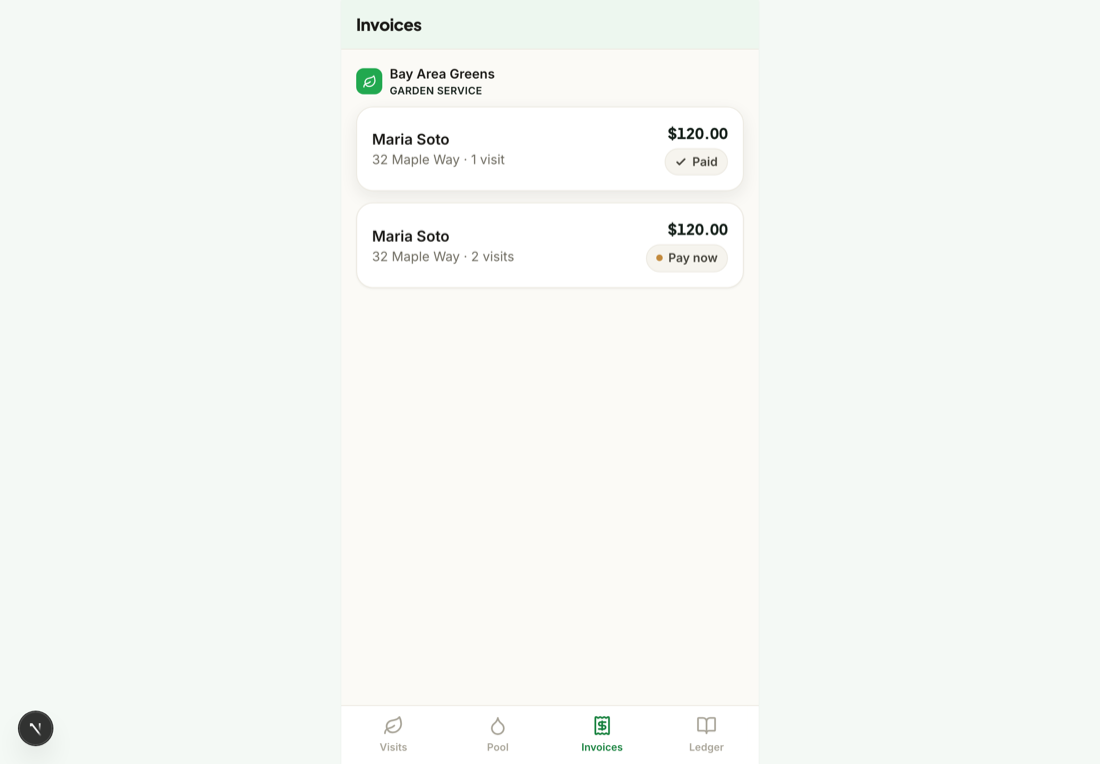
Open the Payments tab
Open Payments in the app. If anything's due, you'll see an Amount due card at the top with the total.
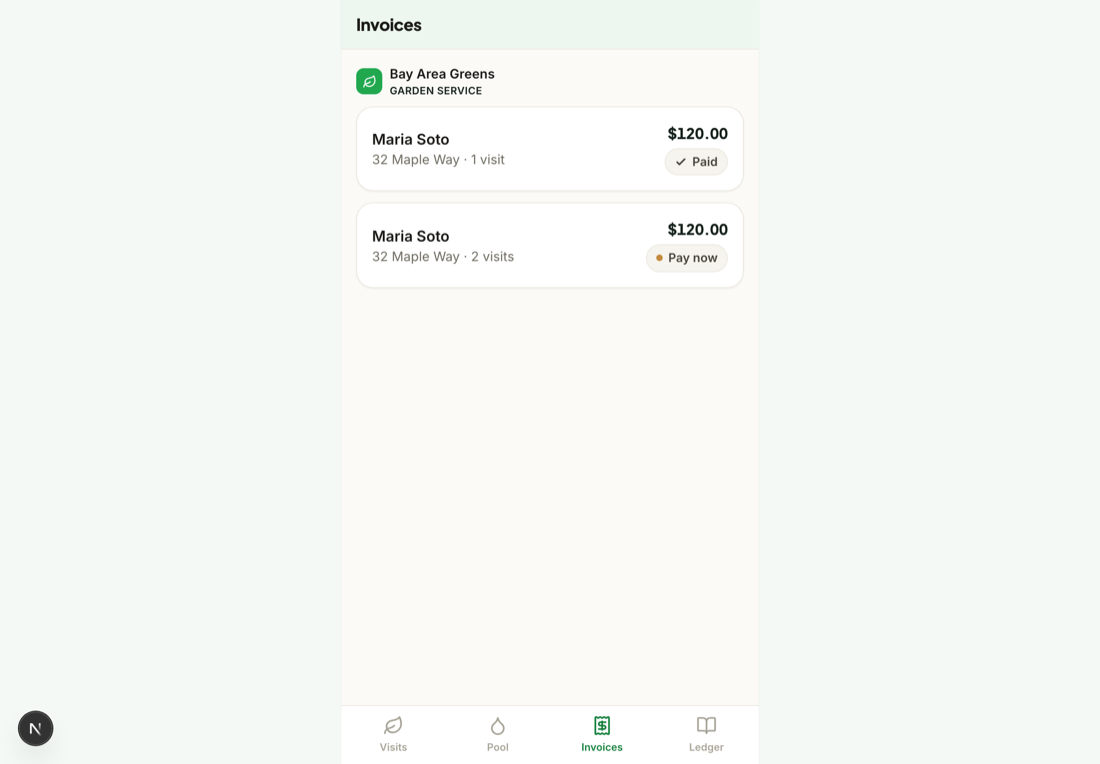
Tap “Pay” to see the invoice
Review the visits it covers — each line is a real, verified visit from your feed, with the date and what was done.
Pick how you want to pay
Choose Zelle, Venmo, or PayPal. Mowdew opens that app with the amount and the business already filled in.
You pay the business directlyPayments go straight from your app to the business through Zelle, Venmo, or PayPal. Mowdew fills in the amount and keeps the record.
Confirm in your payment app
Send the payment there as you normally would. When you come back, the invoice is marked cleared in your statement.
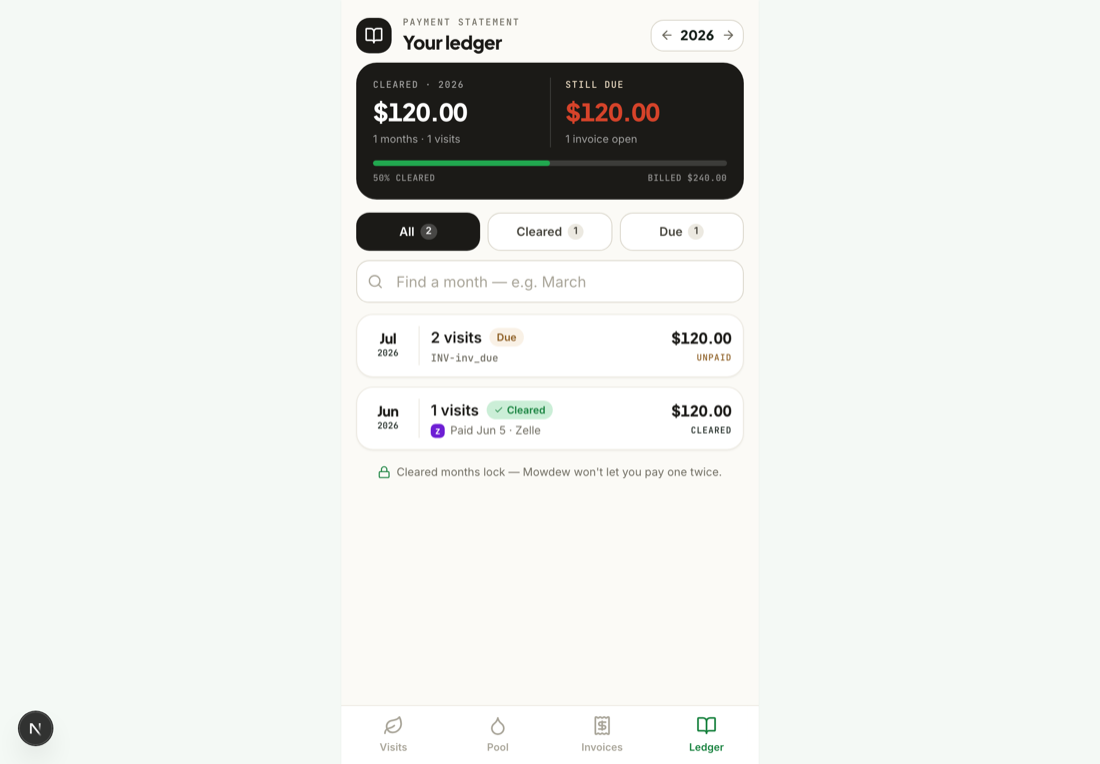
Already paid outside the app?
If you paid the business directly, open the invoice and tap Mark as paid so your statement stays accurate. No double-charge — Mowdew isn't in the payment path.Was this helpful?Your answer helps us fix the docs that aren't working.