For business owners
Add a customer & property
Updated Jun 29, 20262 min read
Add each home with its address, a service cadence and a monthly price, then assign a pro.
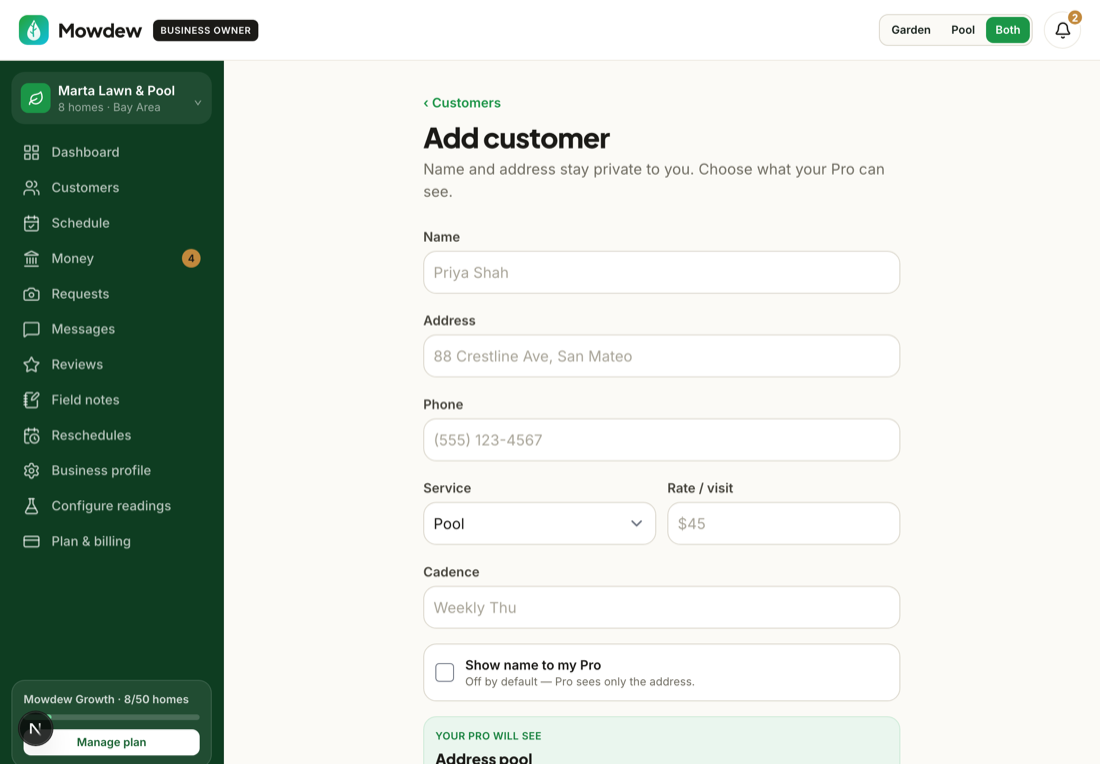
Adding a home takes about a minute. Here's each step.
Open Customers
Go to Customers to see every home on your book.
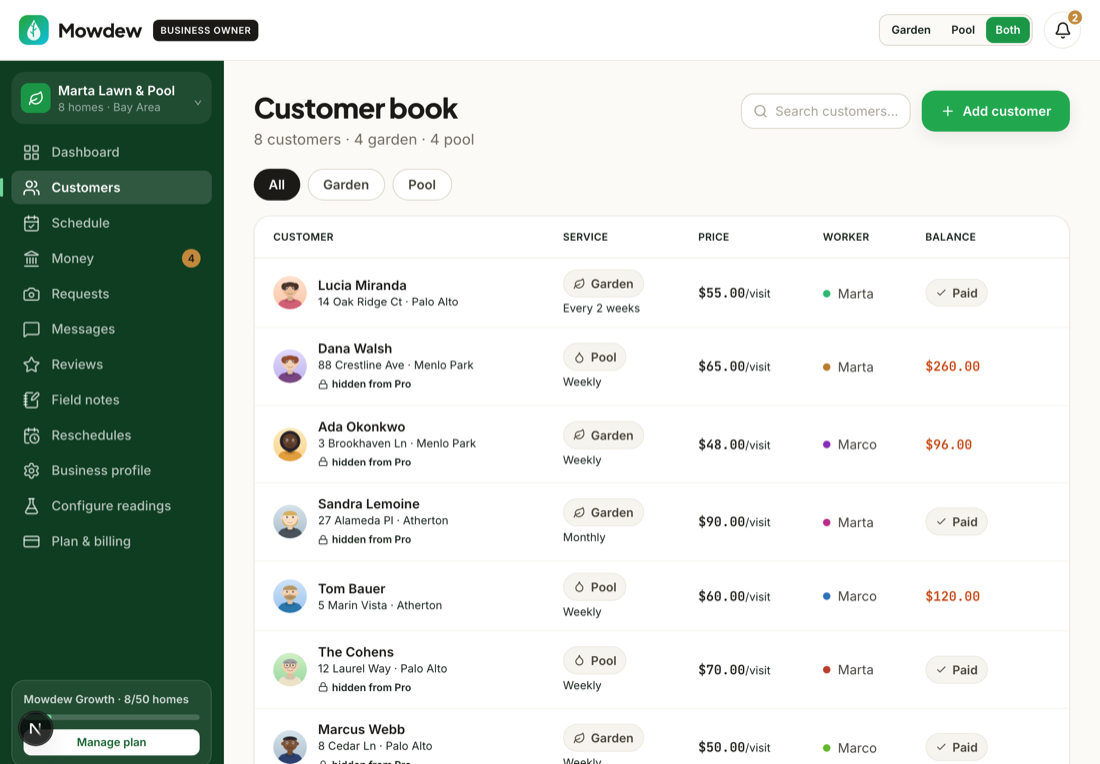
Add the property
Tap Add. Enter the address (it geocodes for routing) and a nickname.
Set cadence, price and pro
Choose the cadence (weekly, biweekly, monthly), the monthly price, and assign a pro — or yourself if you're solo.
Invite the homeowner
From the new customer, invite the homeowner to their free account so they get the verified-visit feed and one-tap pay.
Was this helpful?Your answer helps us fix the docs that aren't working.