For homeowners
Request extra work or a quote
Ask your business for add-on work right in the app. They can send a priced quote you approve before anyone starts.
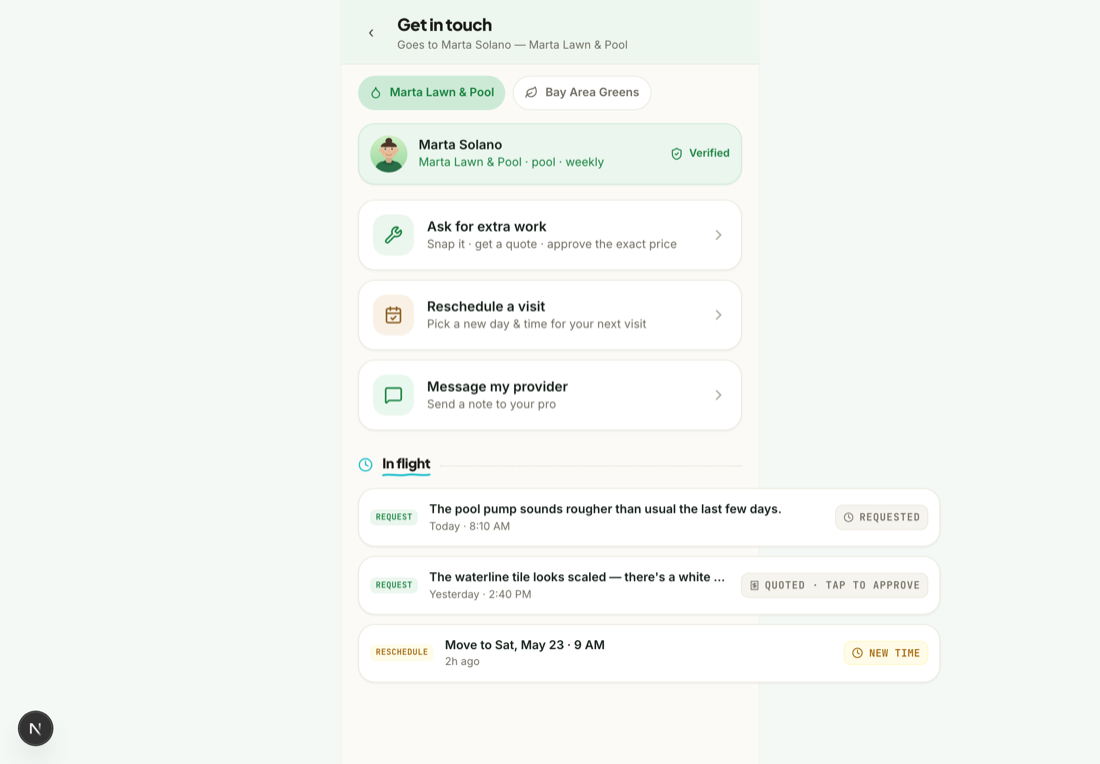
Need something beyond the regular visit — an add-on, a one-off, a small repair? Ask your business right in the app and you'll get a fixed price to approve before anyone starts. Here's the whole flow, start to finish.
Open “Request work”
From your feed, tap Request work. Describe what you need — and add a photo if it helps show the problem.
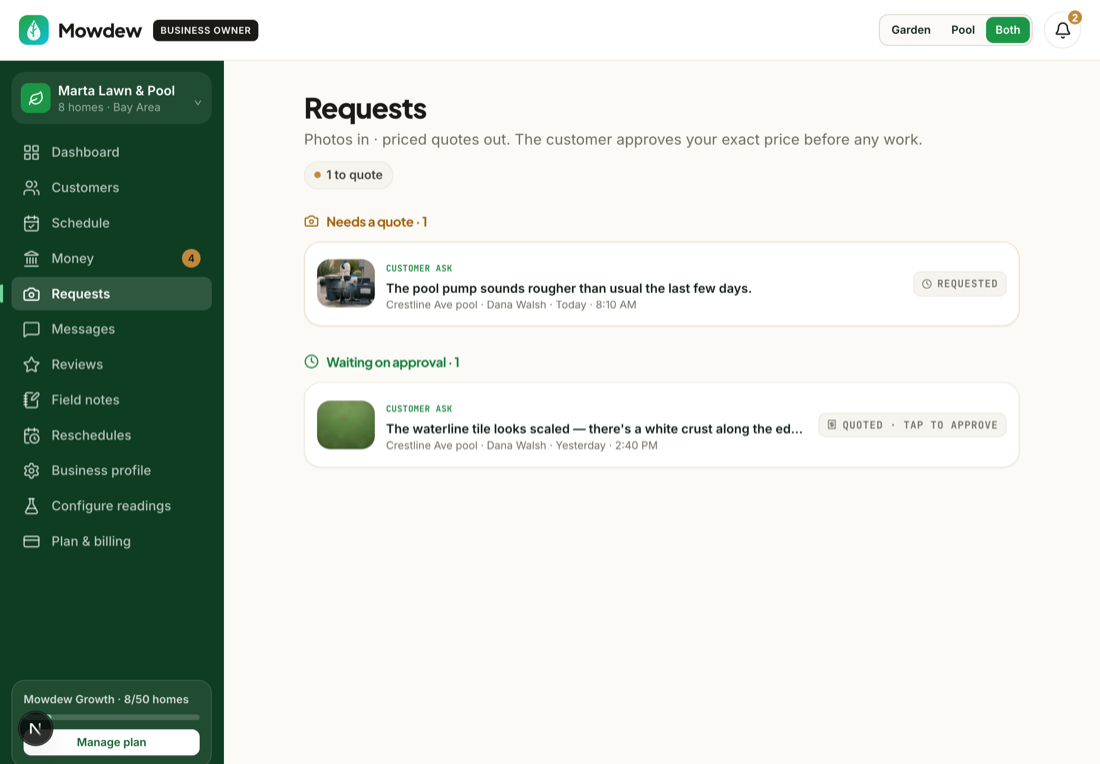
Your business sends a quote
Your request lands in the business's inbox. They review it and reply with a fixed-price quote — no vague estimates.
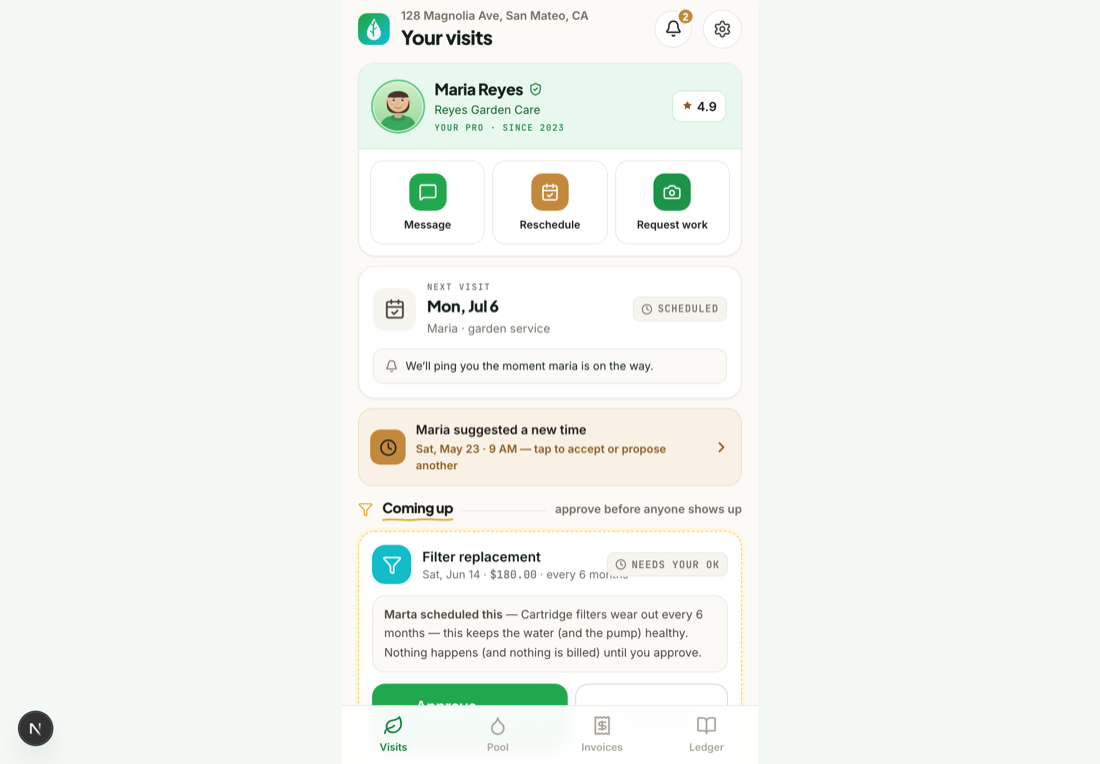
Approve the exact price
The quote comes back with the price shown. Tap Approve. Nothing is scheduled or charged until you do.
The pro completes it
On the visit, the pro does the work and marks it done. It's added to your next invoice automatically — no paperwork, no haggling.