For pros
Before/after photos
Updated Jun 22, 20261 min read
Snap one-tap before and after photos during a visit. They attach to the verified record; location data is stripped on upload.
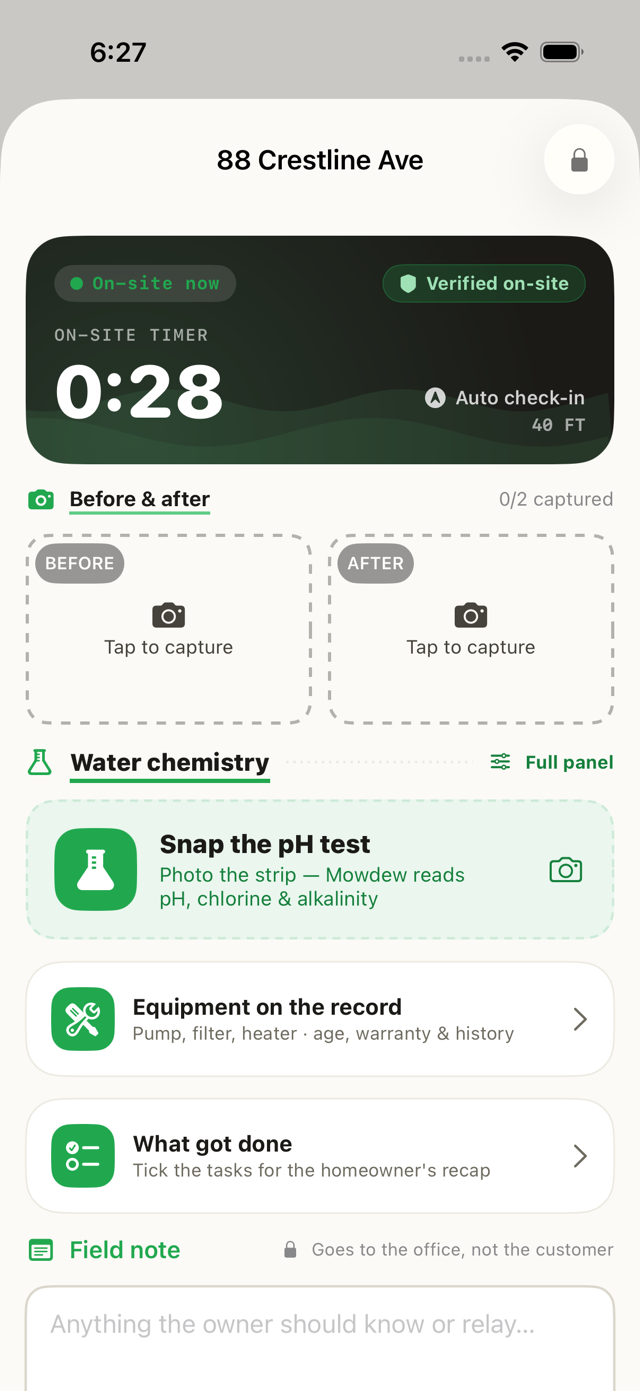
Before/after photos are the proof on every visit. Here's how to add them.
On the active visit, tap the camera
During the visit, tap the camera to capture the before and after shots.
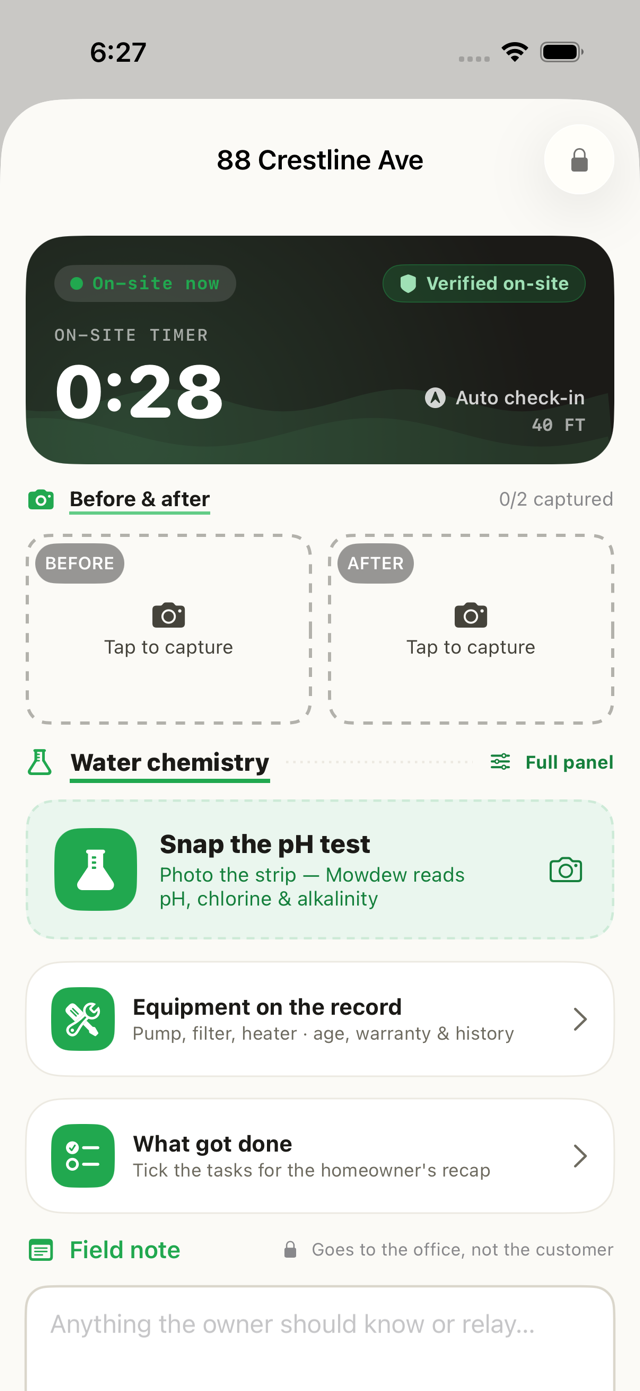
They attach to the visit
The photos attach to that visit so the homeowner and the office see the same proof.
Location strippedHomeowner-facing photos are stripped of EXIF/GPS data on upload.
Was this helpful?Your answer helps us fix the docs that aren't working.