For pros
Log chemistry & readings
Updated Jun 14, 20261 min read
On a visit, record the readings your business configured — pool pH and chlorine and more — in a few taps.
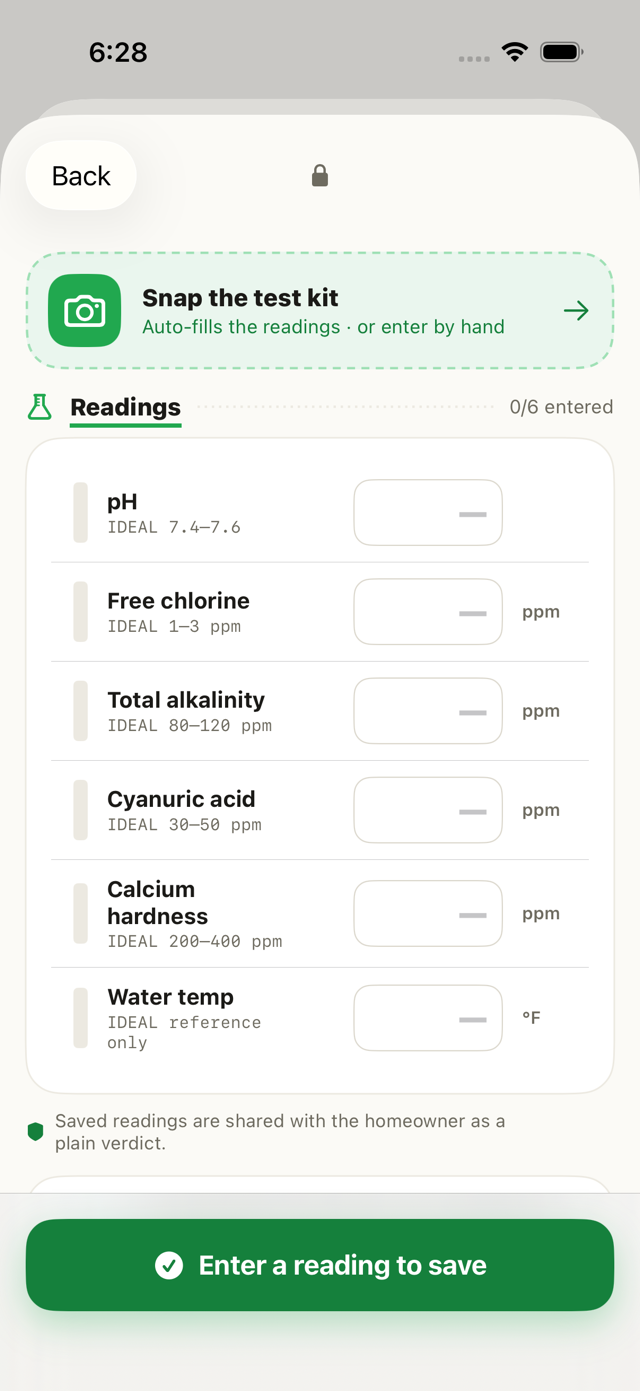
For pools, you log the water readings on the visit and they flow straight to the homeowner. Here's how.
On the active visit, open Readings
During the visit, open Readings — Mowdew shows the readings your business configured.
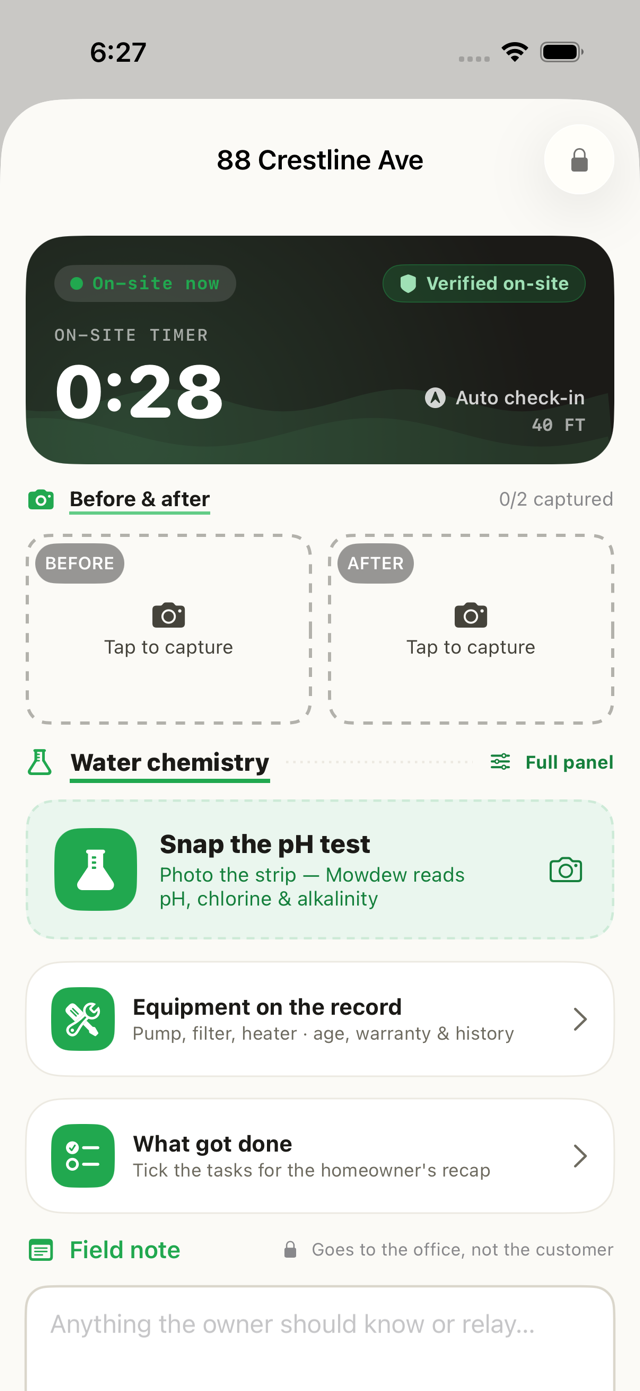
Enter the values
Enter pH, chlorine and anything else your business asks for, then save. They attach to the verified visit.
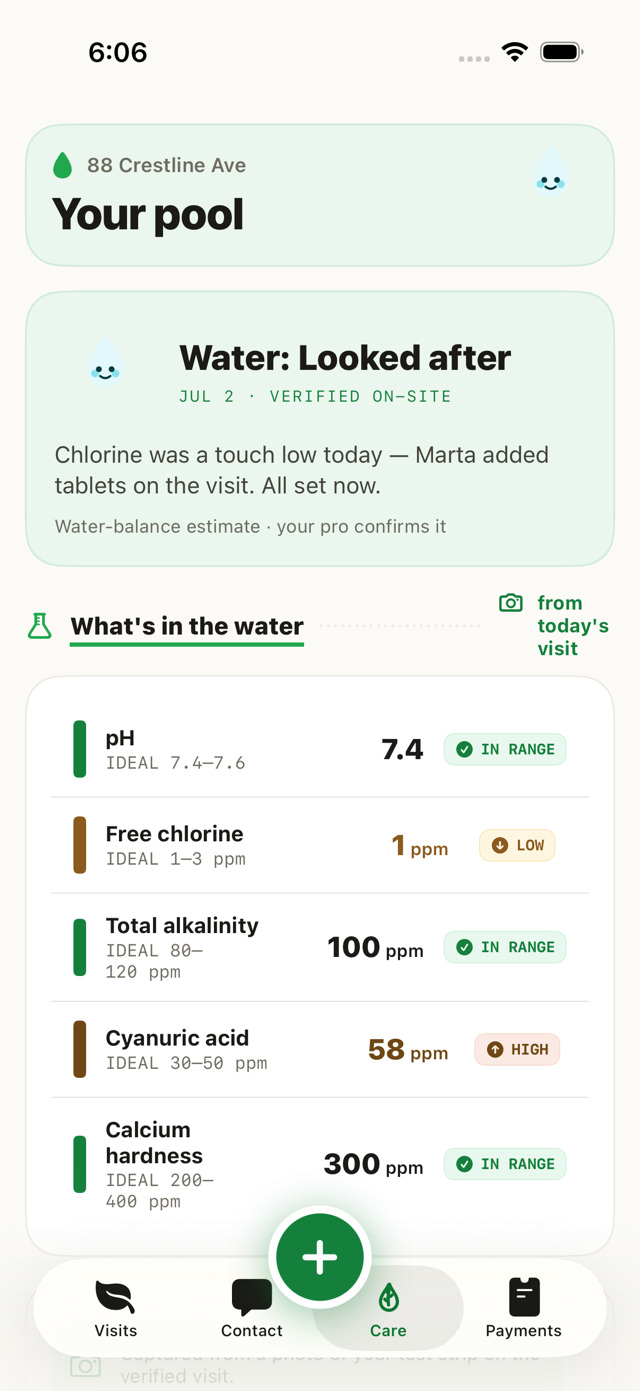
The homeowner sees the trend
Your readings show up in the homeowner's chemistry trends over time — no chemistry degree required.
Was this helpful?Your answer helps us fix the docs that aren't working.