For homeowners
Reschedule a visit
Updated Jun 18, 20261 min read
Request a new date in the app. Once the business approves it, the pro's route updates automatically.
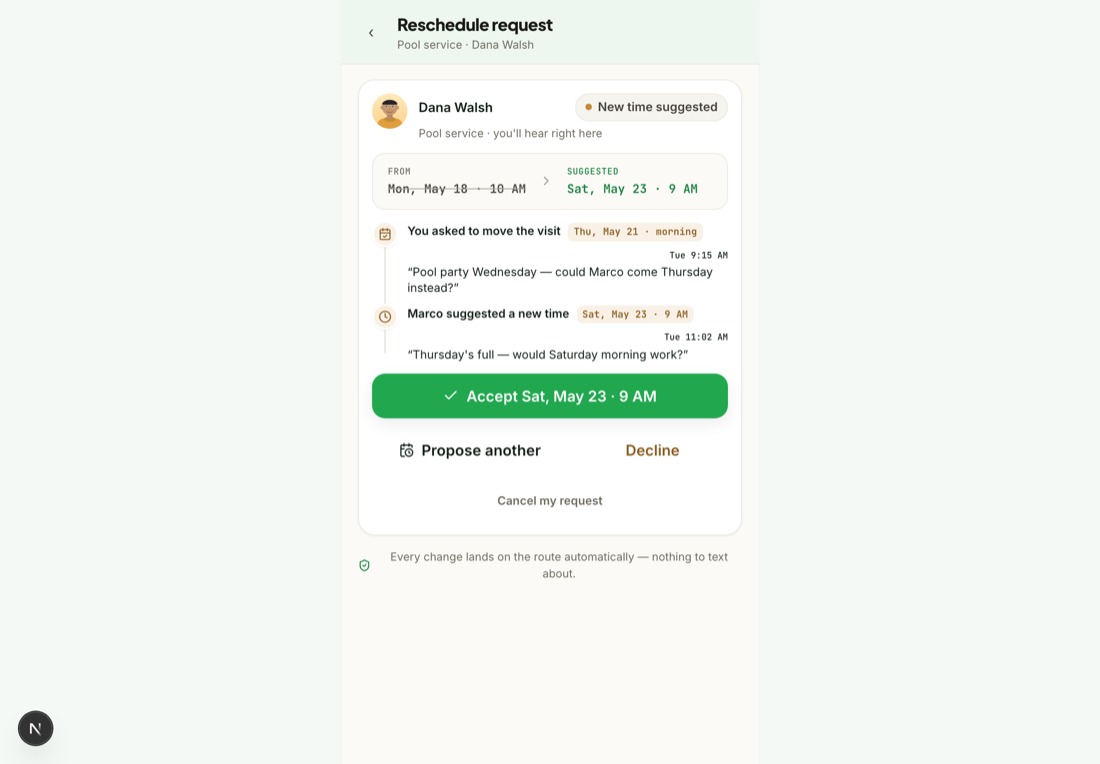
Going to be away, or need a different day? Ask for a new date in the app — no morning phone calls. Here's how it goes.
Request a new date
Open the upcoming visit and pick a date that works better. Your request goes to the business.
The business confirms (or proposes another)
The business sees your request and can approve it, or propose a different date if that day is full. Approving reflows the pro's day automatically.
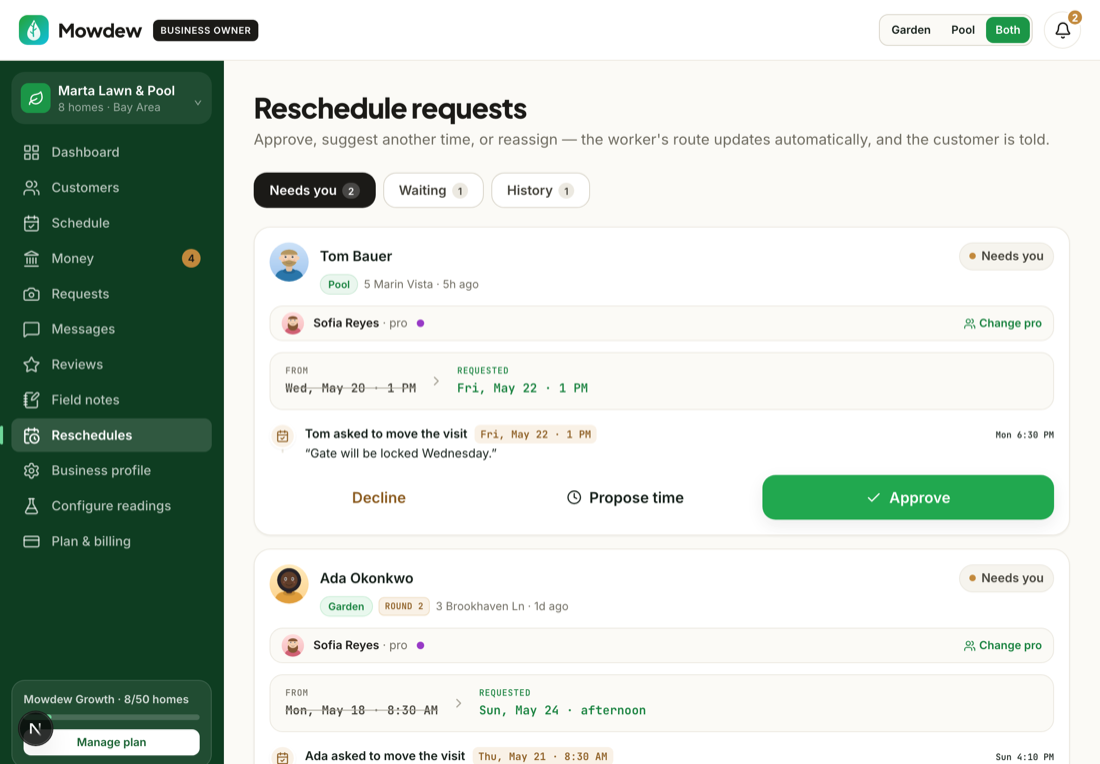
See the confirmed date
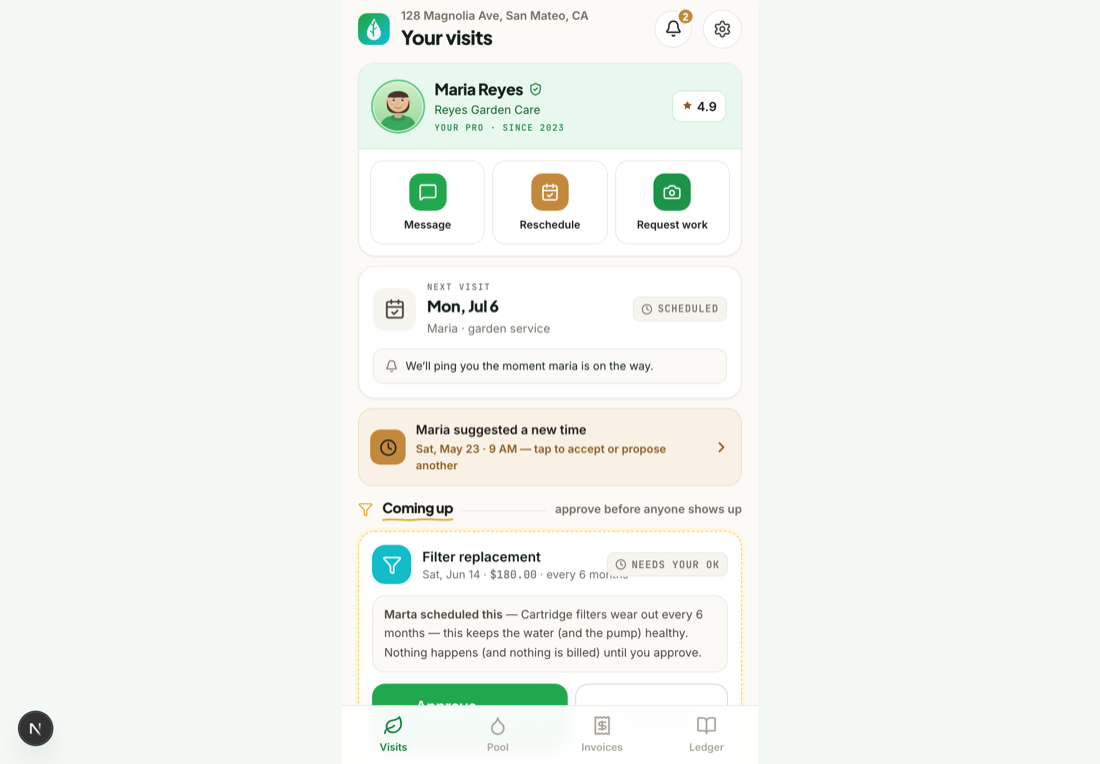
Once it's confirmed, the new date shows on your timeline — nothing else to do.
Was this helpful?Your answer helps us fix the docs that aren't working.