For business owners
Invoice from verified visits
Updated Jun 27, 20262 min read
Draft an invoice from a date range of completed visits — the line items are the visits, and the homeowner sees the same ones.
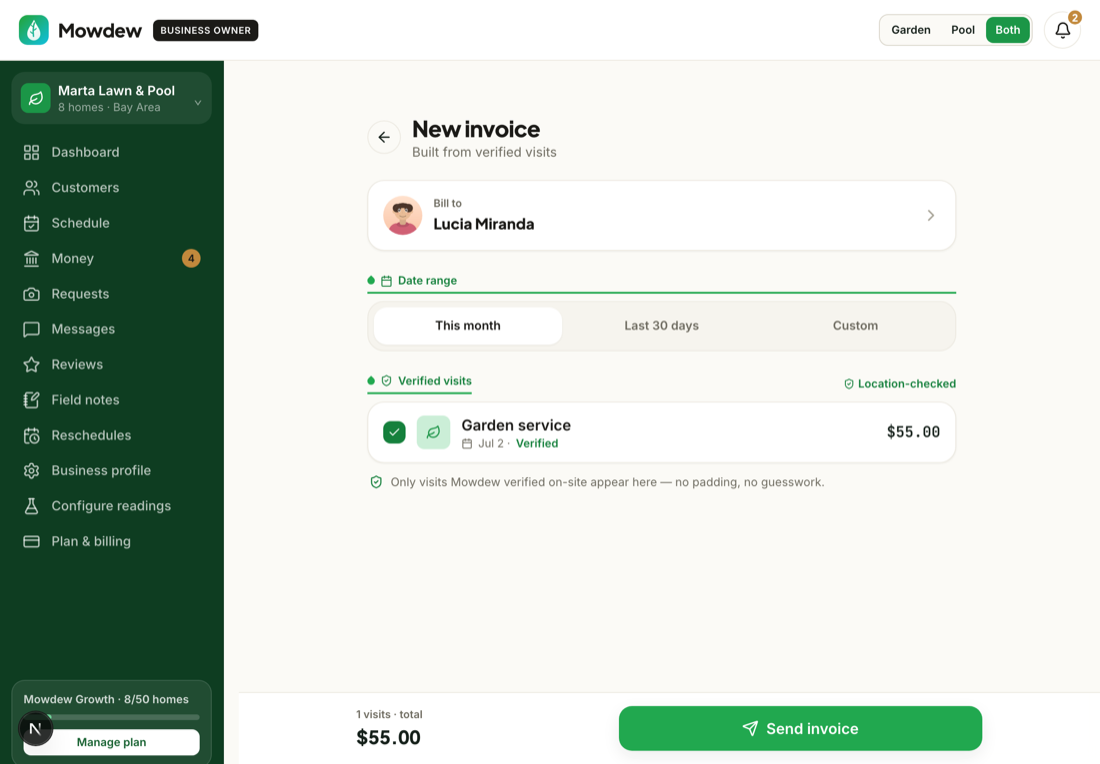
An invoice in Mowdew is just the verified visits, added up. Here's how you send one.
Start a new invoice
Open the customer and start a new invoice — or use New invoice from the menu.
It's built from verified visits
Pick a date range and Mowdew fills the lines from the completed visits in that window — the same visits the homeowner sees.
One shared truthThe invoice is a function of the visits the homeowner can already see. Don't send a bill that diverges from their visit log — that shared record is the product.
Review, send, and track payment
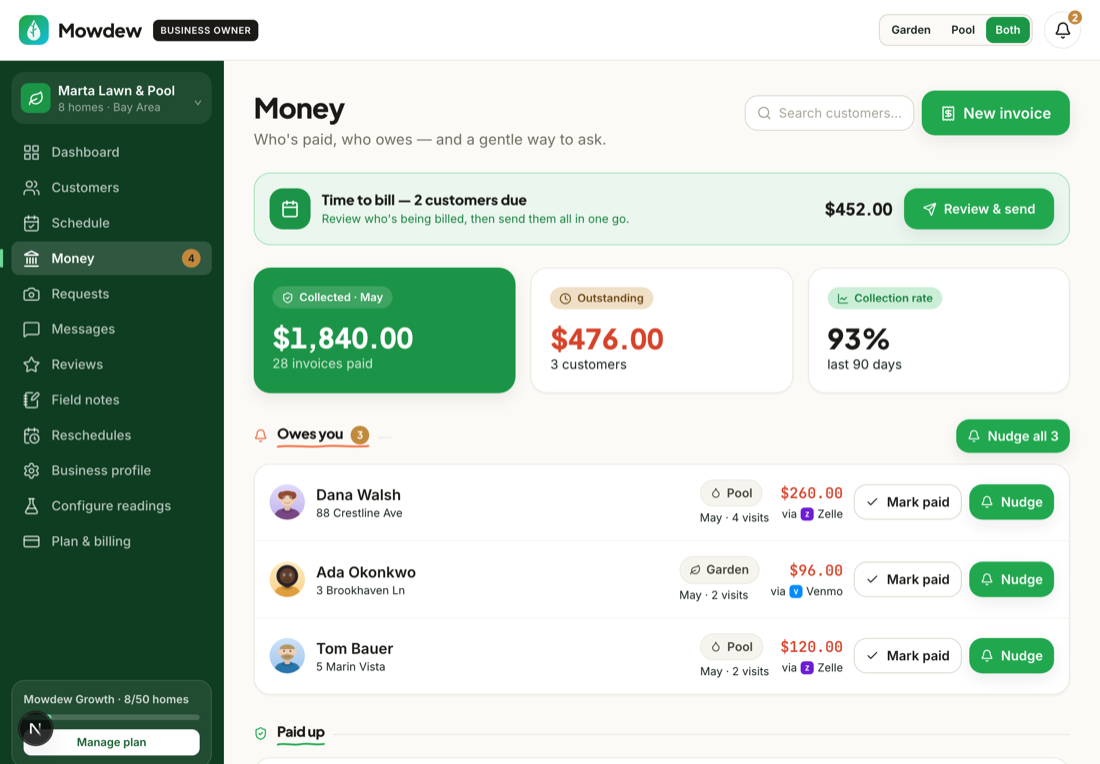
Review the total and send. As the homeowner pays, mark it received and the month reconciles in Money.
Was this helpful?Your answer helps us fix the docs that aren't working.