For business owners
Create your business
Updated Jul 2, 20263 min read
Set your business name, service type and payout handles (Zelle/Venmo/PayPal), then invite homeowners and pros.
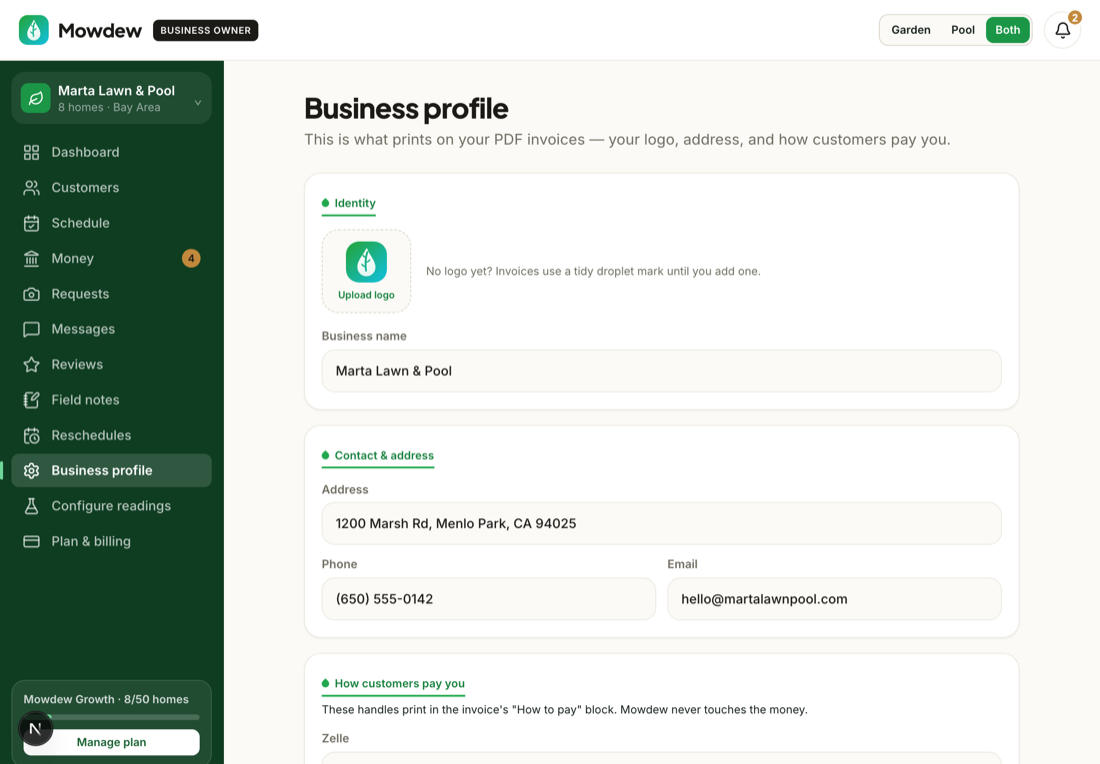
Setting up your business is the first thing you do as an owner: name it, and add your first property so there is a home to service. From there the whole book — schedule, invoices, payments — grows out of the customers you add.
Sign up and name your business
Create your account and give your business a name. This is what your homeowners see on their invites and invoices.
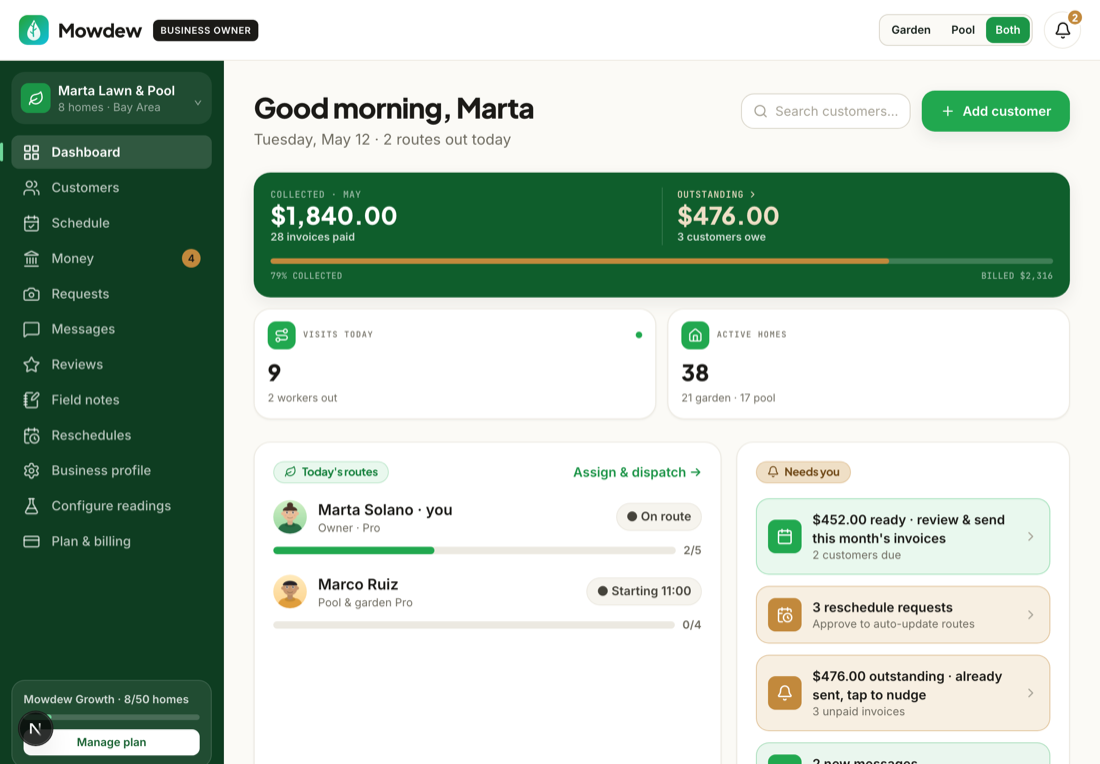
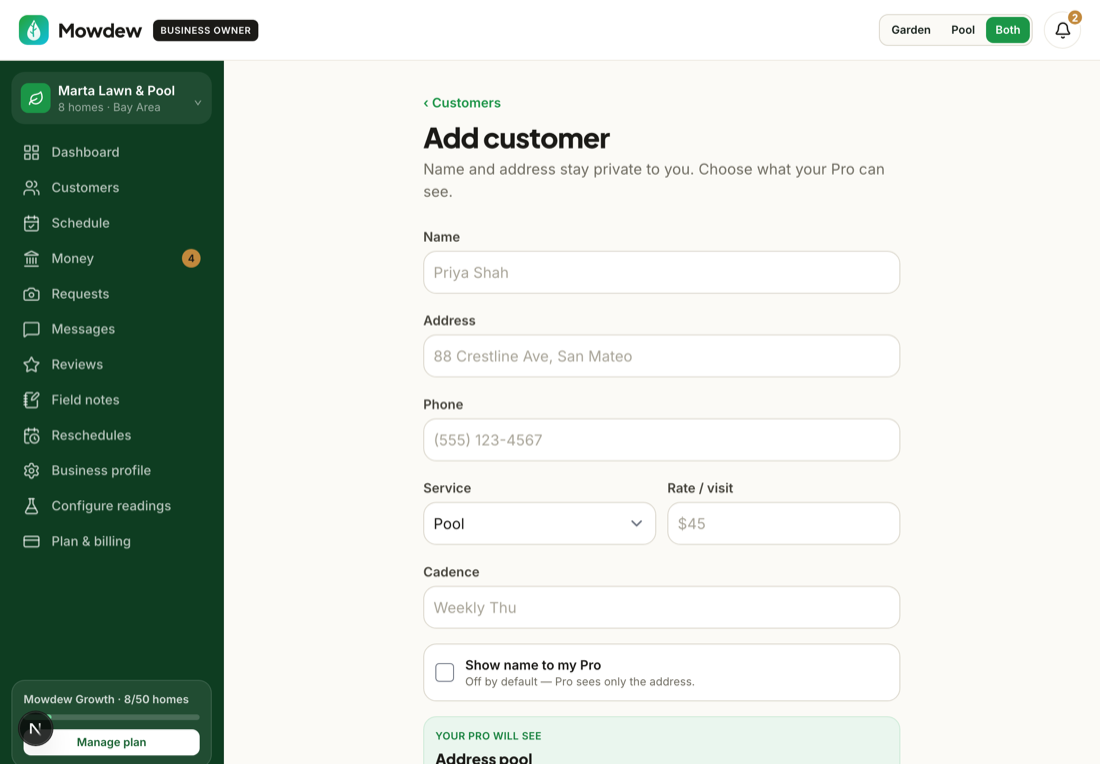
Add your first property
Add a customer and their property — address, monthly price and cadence. This is the unit everything else hangs off. See “Add a customer & property” for the full walkthrough.
Solo operator?If you run the route yourself, you are owner and pro in one — Mowdew assigns visits to you automatically. No crew required to start.
Was this helpful?Your answer helps us fix the docs that aren't working.