For homeowners
See upcoming work
Updated Jul 2, 20262 min read
Your feed shows what's scheduled next — the date, the provider, and any priced work you've approved.
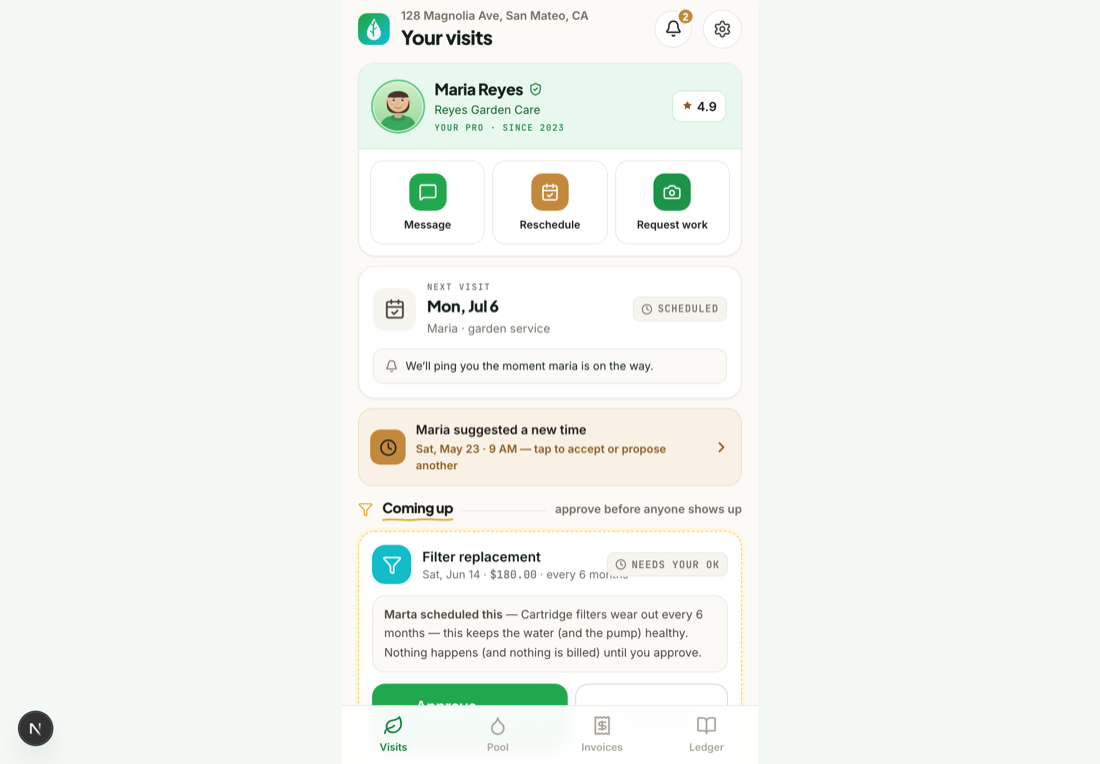
Your feed shows what is coming, not just what is done. The next scheduled visit sits alongside your recent ones so you always know when your pro is due.
Check the feed for the next visit
Upcoming visits are marked on your feed with their scheduled date. There is nothing to set up — they come straight from your provider's recurring schedule.
Need to move a visit?If a date does not work, you can ask your provider to reschedule it — see “Reschedule a visit.”
Was this helpful?Your answer helps us fix the docs that aren't working.