For pros
Accept your pro invite & get the app
Updated Jul 2, 20262 min read
Your business invites you. Install the Mowdew app on iPhone or Android, accept the invite, and your route appears.
Your employer invites you to the crew with a link. Accepting it puts today's route on your phone — the app is where pros live, so there is nothing to install beyond signing in.
Tap the invite link
Open the link your employer sent and sign in. You are added to their crew.
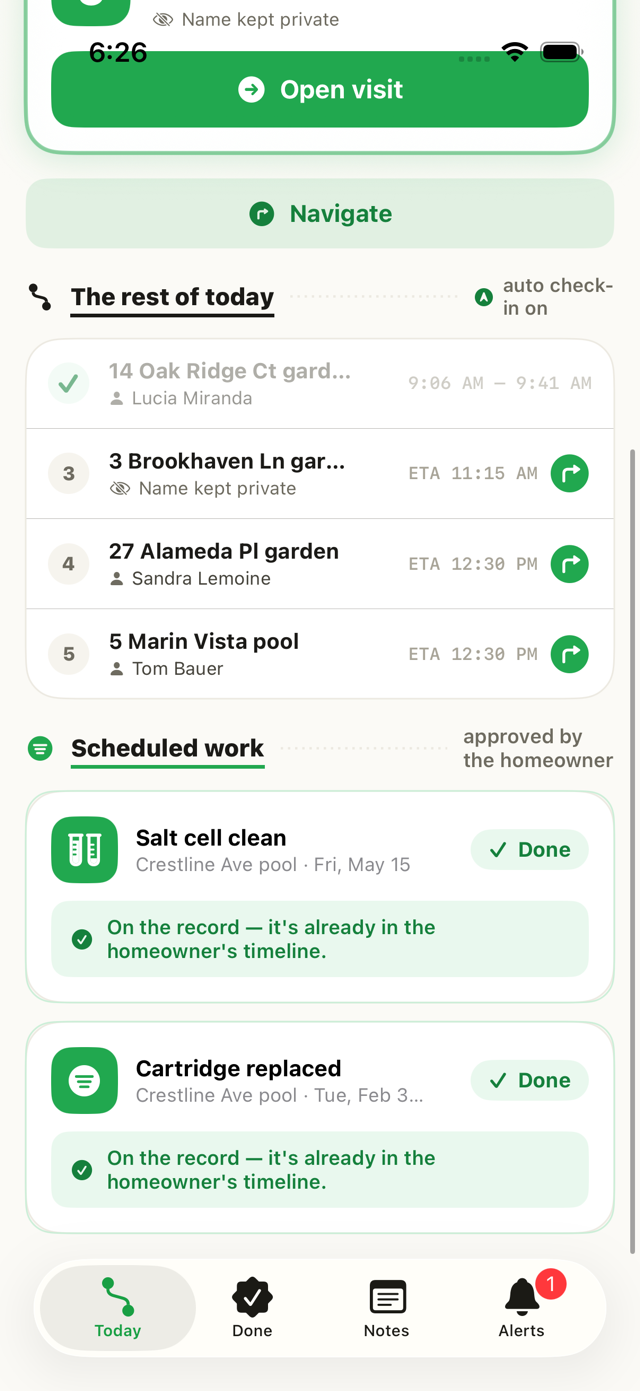
Your route appears
Once you are in, your day fills with the homes assigned to you, in optimized order with an ETA at each stop.
Pros are free seatsYou never pay for Mowdew — your employer carries the subscription. Your job is the route, the photos, and the notes.
Was this helpful?Your answer helps us fix the docs that aren't working.