Common topics
Switching between roles
Updated Jul 2, 20262 min read
One login can be a homeowner, a business owner, and/or a pro. Switch roles from the account menu.
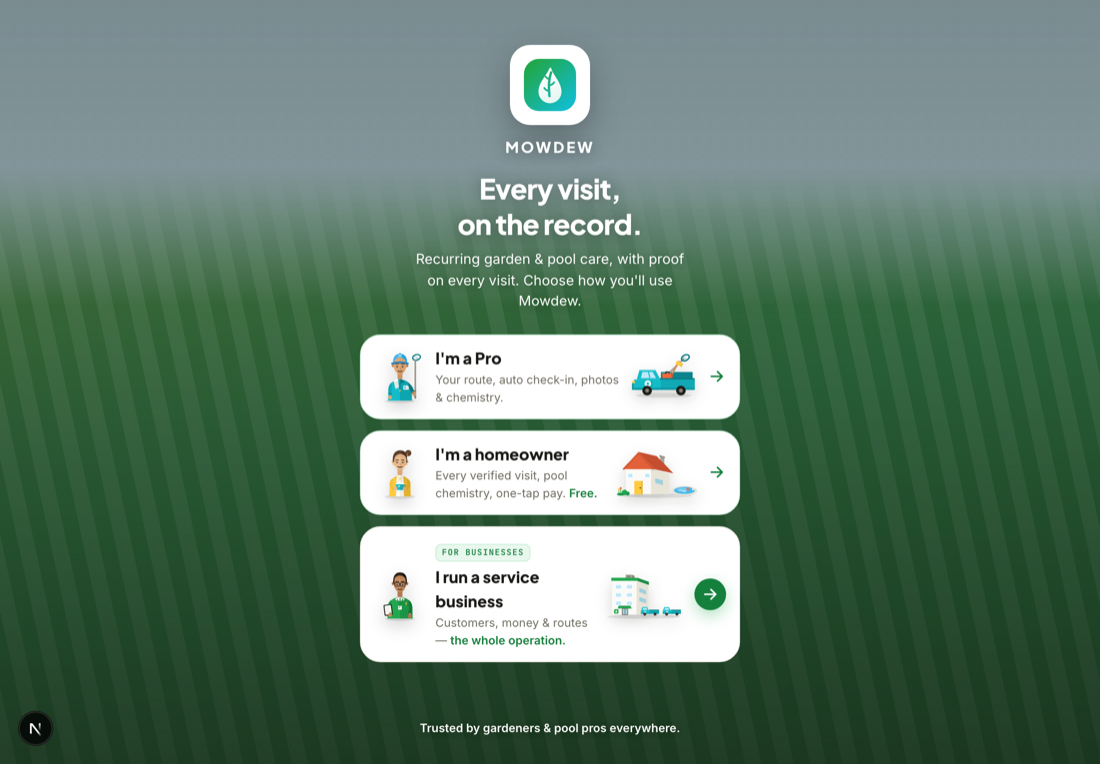
One person can be an owner, a pro, and a homeowner — a solo operator often is. Your login holds every role you have, and you pick which one you are working in.
Open the role picker
At sign-in or from your account, choose the role you want to work in.
Switch any time
Move between running your business, working a route, and viewing your own home without a second account. Mowdew shows only the roles you actually hold.
Roles are additiveBeing a homeowner doesn't stop you being an owner. Mowdew checks what your account can do and offers exactly those doors.
Was this helpful?Your answer helps us fix the docs that aren't working.