For homeowners
Accept an invite & set up your account
Updated Jul 2, 20262 min read
Your business sends you an invite link. Open it, confirm your email, and your property is wired to your free homeowner account.
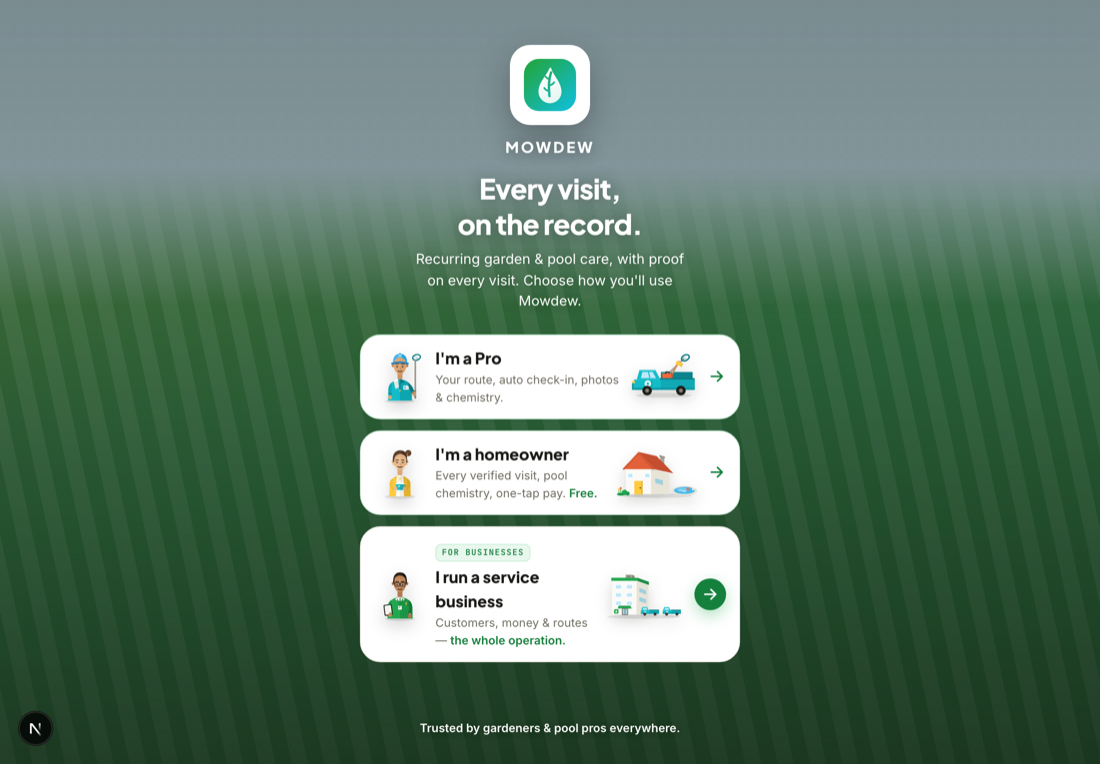
Your provider sets up your home and sends you an invite link by text or email. Accepting it is how you claim your property and start seeing your verified visits — the homeowner side is free, forever.
Tap the invite link
Open the link your provider sent. It brings you straight into Mowdew and matches you to the property they set up for you.
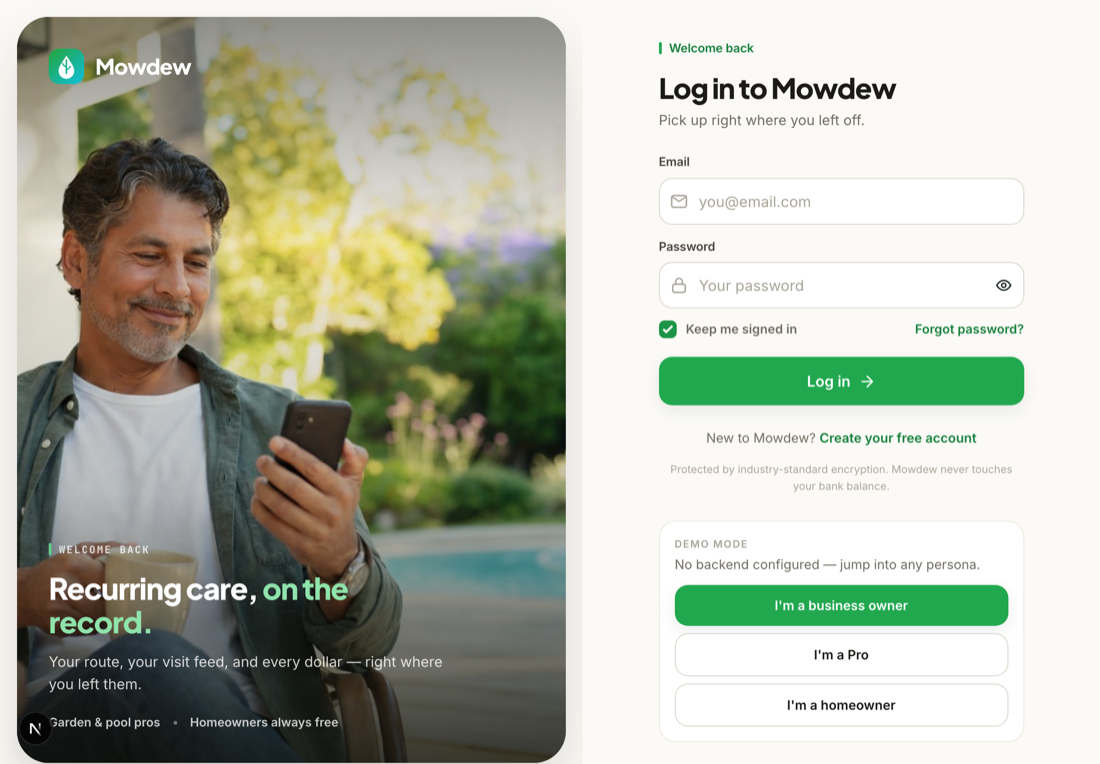
Confirm and you are in
Sign in with a magic link or with Google (or Apple on iPhone), confirm the property is yours, and your feed appears with the visits already on record.
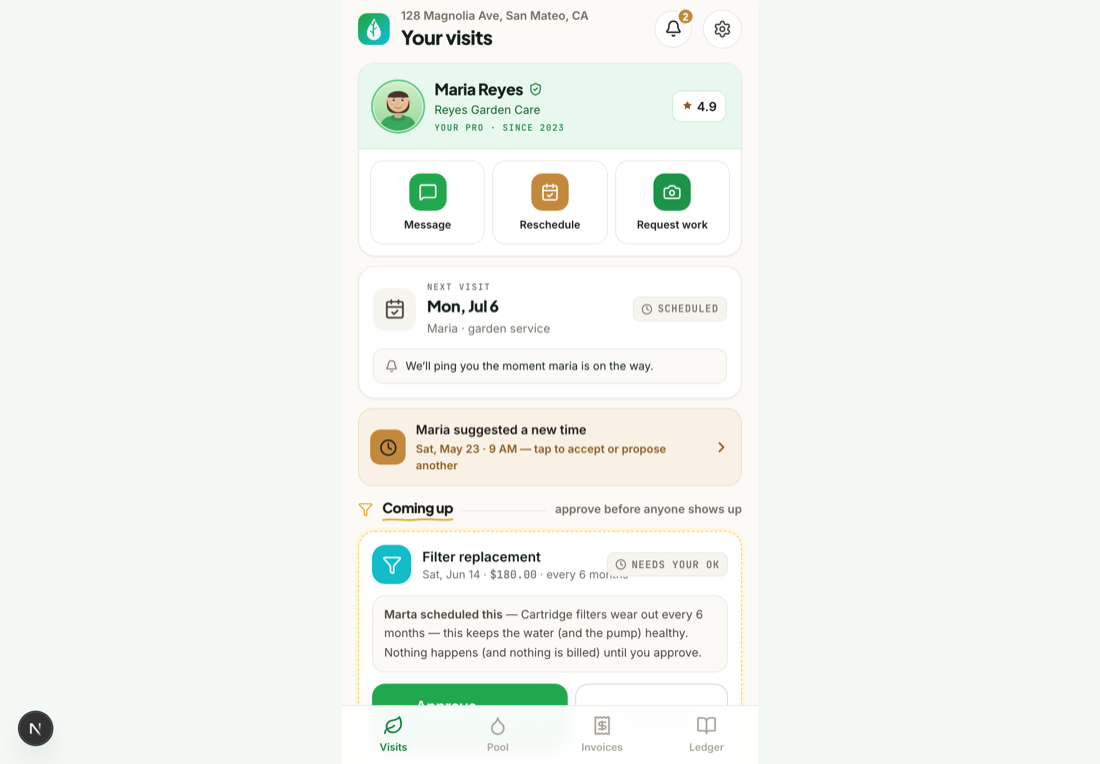
Free foreverHomeowners never pay Mowdew a cent. Your provider carries the subscription; your feed, photos, ledger and summaries are always free.
Was this helpful?Your answer helps us fix the docs that aren't working.