For homeowners
Switch between properties & providers
Updated Jul 2, 20262 min read
One login can hold several homes and several providers (say a pool company and a garden crew). Switch between them from the top of your feed.
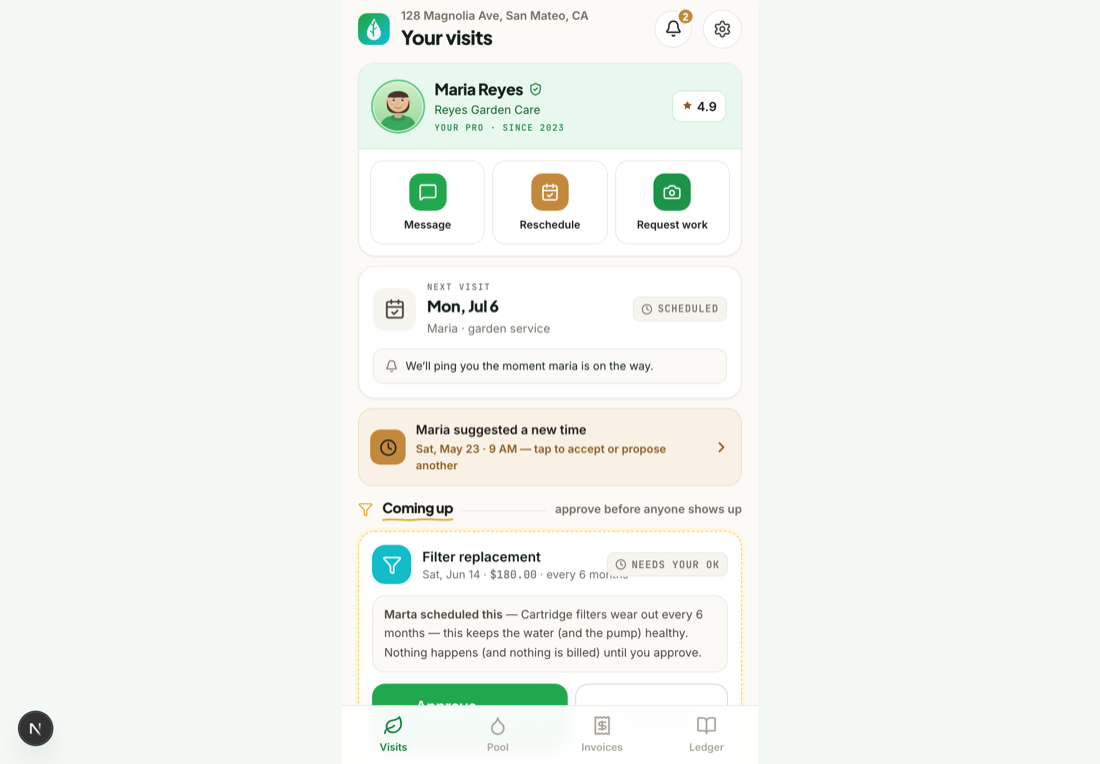
One login can hold more than one home — and more than one provider (say a pool company and a garden service). Mowdew keeps each property and each provider grouped so nothing gets mixed up.
Open the property switcher
From your feed, use the property switcher at the top to see every home on your account.
Pick a home
Choose a property and the feed, photos, ledger and summaries all switch to that home. If a home has two providers, everything stays grouped by service and by provider.
Multiple providers, one placeA pool and a garden service on the same home each keep their own visits, photos and invoices — grouped by service type and provider so you always know who did what.
Was this helpful?Your answer helps us fix the docs that aren't working.