For homeowners
Claim a warranty repair
Updated Jun 30, 20262 min read
If equipment under warranty fails, check the record and request the repair — your provider handles it with the warranty already on file.
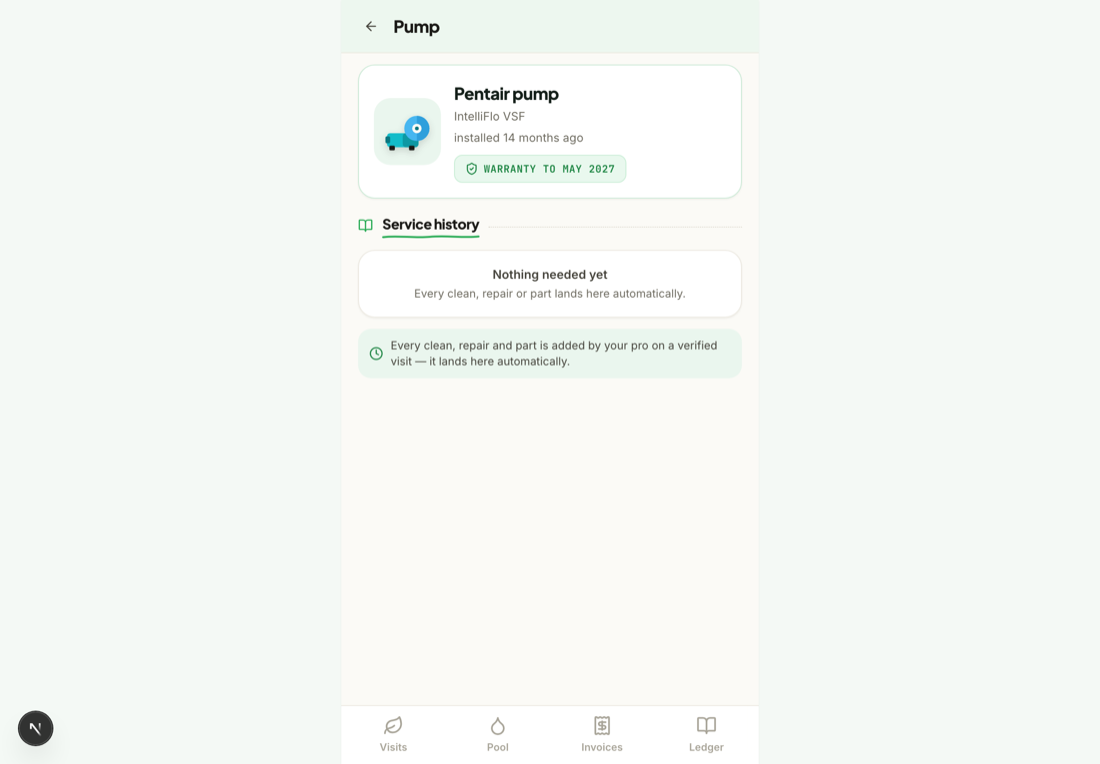
When equipment that's under warranty stops working, Mowdew makes the claim easy: the warranty is already on the record, so you just flag the repair and your provider takes it from there.
Check the warranty on the equipment
Open the equipment and confirm it's still under warranty — the status and dates are on its record.
Request the repair
Tap Request work, describe the failure, note that it's under warranty and add a photo. Your provider sees the equipment record alongside your request.
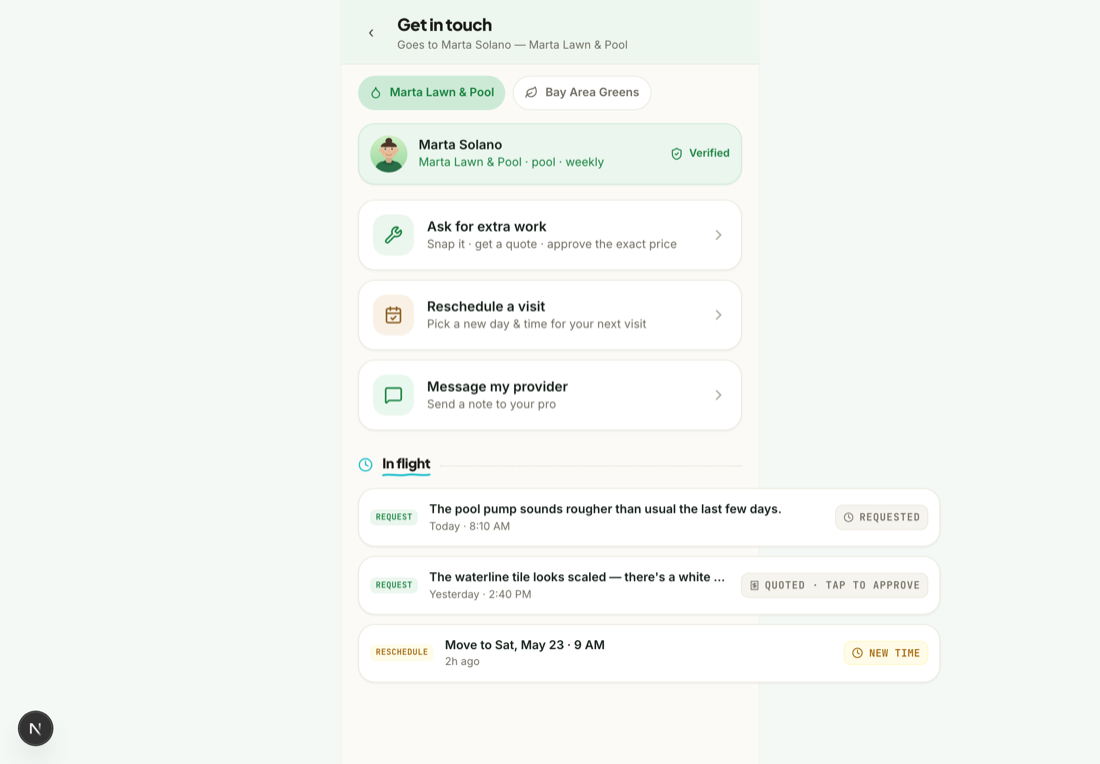
No money changes hands for covered workA warranty repair is handled between you, your provider and the manufacturer. Mowdew just keeps the equipment history and the request on the record.
Was this helpful?Your answer helps us fix the docs that aren't working.