For business owners
Assign properties to pros
Updated Jul 2, 20263 min read
Attach each home (or an individual visit) to a pro. A solo operator is assigned to themselves automatically.
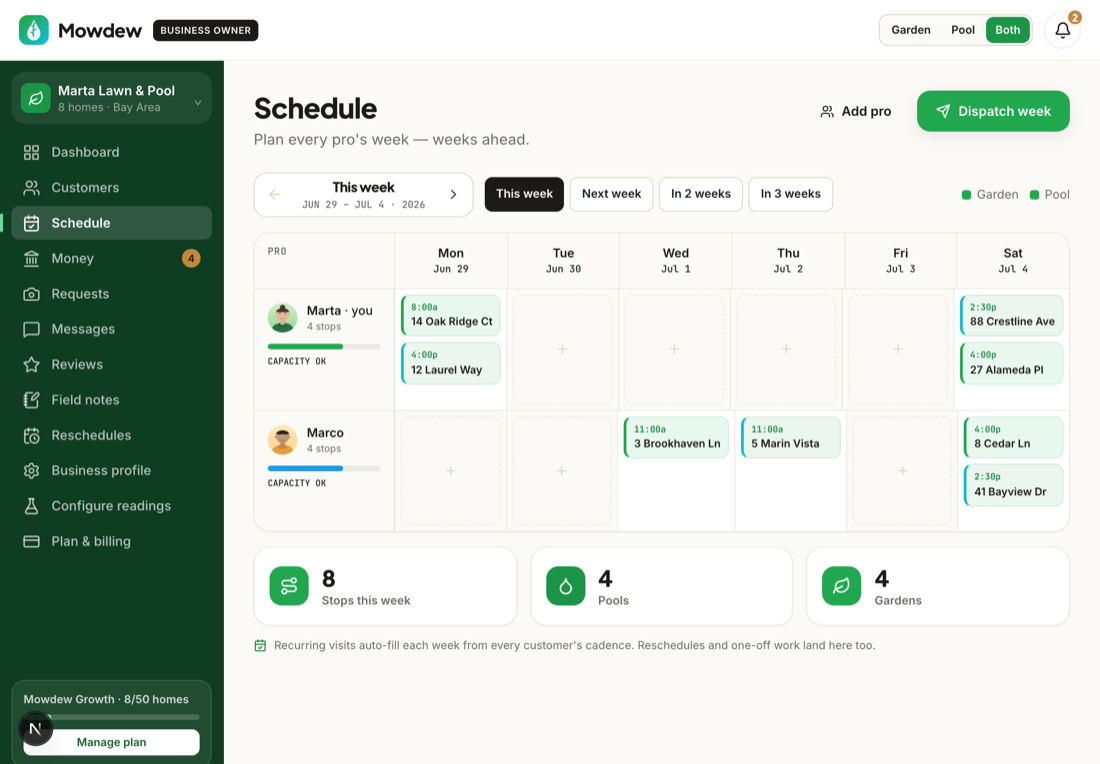
A scheduled visit needs someone to work it. Assigning a property to a pro is what routes its visits into that pro's day — in optimized order, from their home base.
Open the property or the schedule
From a customer page or the Schedule, choose the home you want to assign.
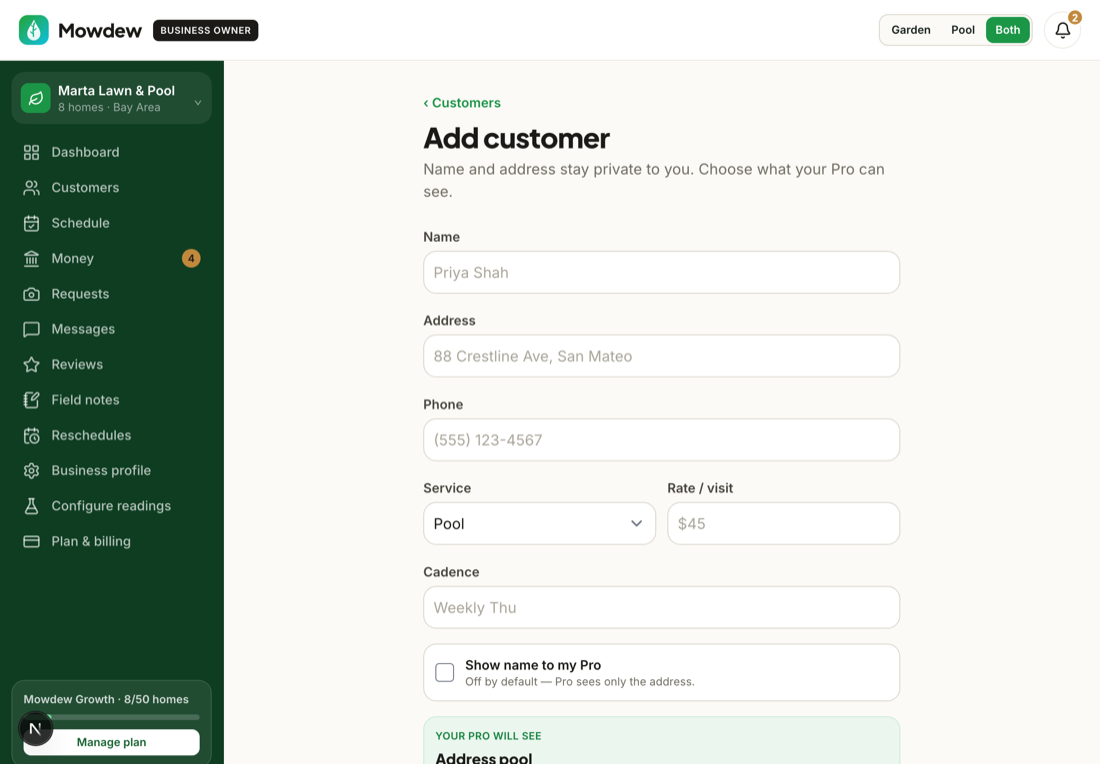
Assign a pro
Pick the pro who services this home. Their day then fills with the properties assigned to them. You can also assign a single visit if you need to cover for someone.
Solo operators are automaticIf you are the only one on the route, Mowdew assigns every home to you — no assignment step needed.
Was this helpful?Your answer helps us fix the docs that aren't working.