For business owners
Auto vs manual check-in for your crew
Updated Jul 2, 20262 min read
Choose whether a property auto-checks-in on arrival or requires a manual tap. Either way the pro can always log the visit.
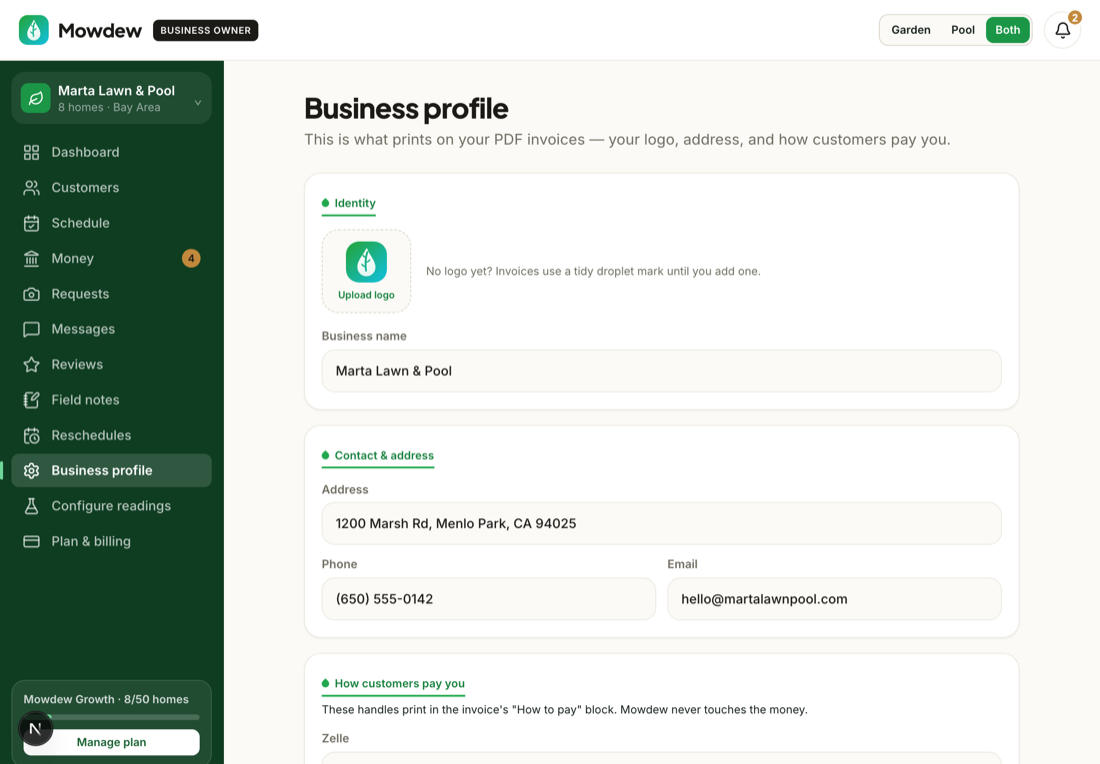
You decide, per property, whether a visit auto-checks-in when your pro arrives or waits for a manual tap. Either way, your pro can always log the visit by hand — recorded work is never blocked by GPS.
Open business settings
In Settings, find the check-in behavior for your crew.
Choose auto or manual
Set a property to auto check-in for convenience, or manual if you prefer a deliberate tap. Manual check-in is always available regardless of the setting.
Geofence is an assist, not a gateAuto check-in is a convenience powered by a per-visit geofence. Bad GPS, a dead battery or no signal can never stop your pro from recording the work by hand.
Was this helpful?Your answer helps us fix the docs that aren't working.