For business owners
Make a quote / schedule priced work
Updated Jun 25, 20261 min read
Turn a request into a fixed-price quote. The homeowner approves the exact cost before the pro shows up.
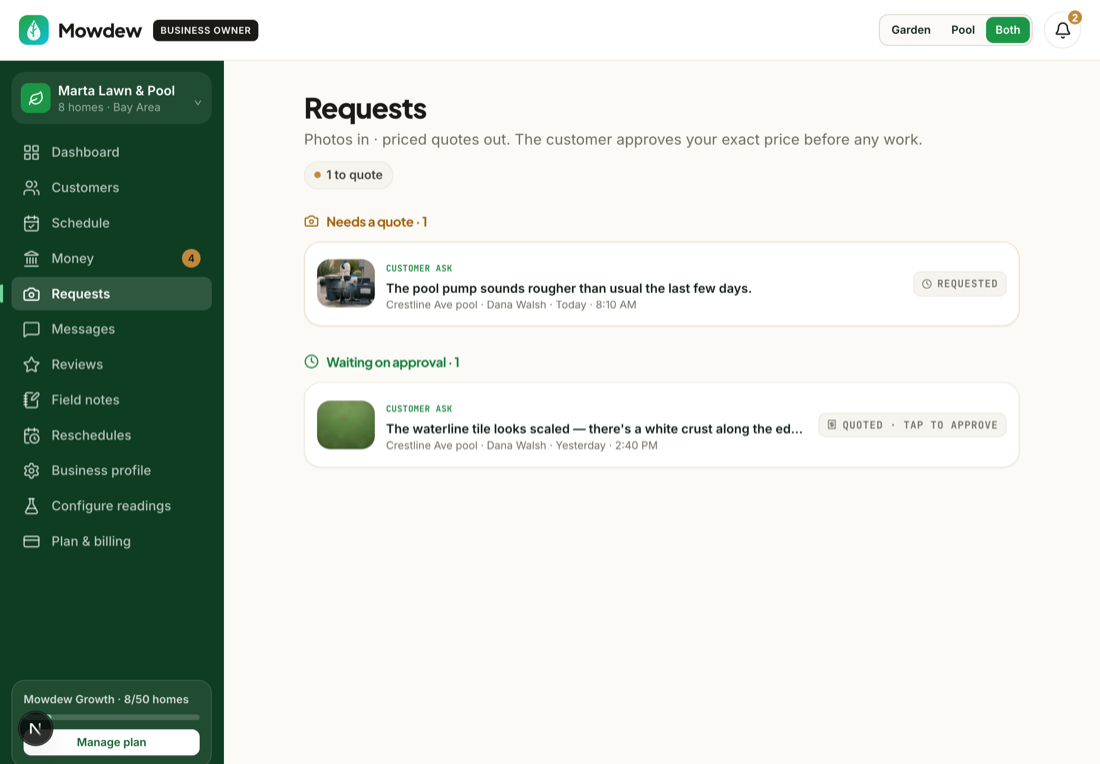
A request becomes a fixed-price quote the homeowner approves before any work. Here's how.
Open the request
In Requests, open the ask you want to price.
Send a priced quote
Add the price and send. The homeowner sees the exact cost and taps Approve — nothing is scheduled or billed until they do.
It's completed and billed
Once approved, the work is scheduled; when the pro completes it, it's swept into the next invoice — no paperwork.
Was this helpful?Your answer helps us fix the docs that aren't working.