For business owners
The request inbox
Updated Jul 2, 20263 min read
One queue for field notes from pros and asks from homeowners. Work each item from open through quoted, scheduled or done.
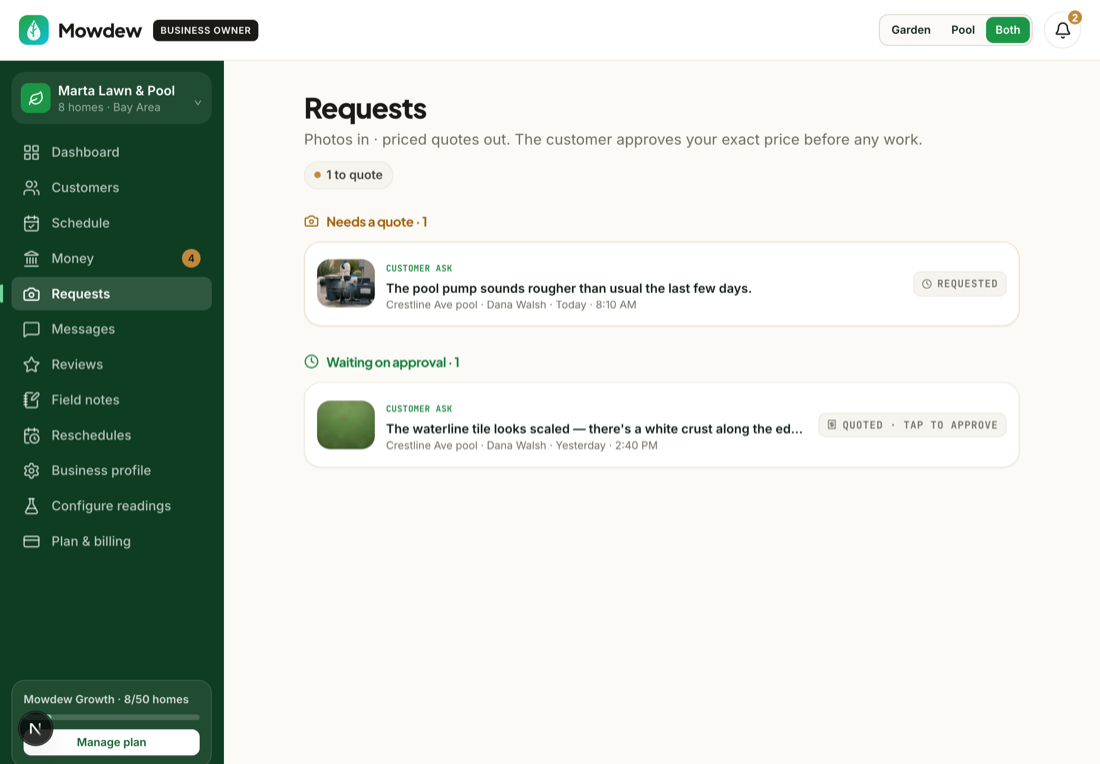
The request inbox is one queue for everything that needs your attention: asks from homeowners and field notes from your pros. You work each item from open through quoted, scheduled, or done — nothing falls through the cracks.
Open Requests
Open the inbox to see every open item in one list, newest first.
Move each item along
Quote a repair, schedule a job, mark it done, or dismiss it. Field notes from pros land here too, so a “cracked skimmer” note becomes a tracked task.
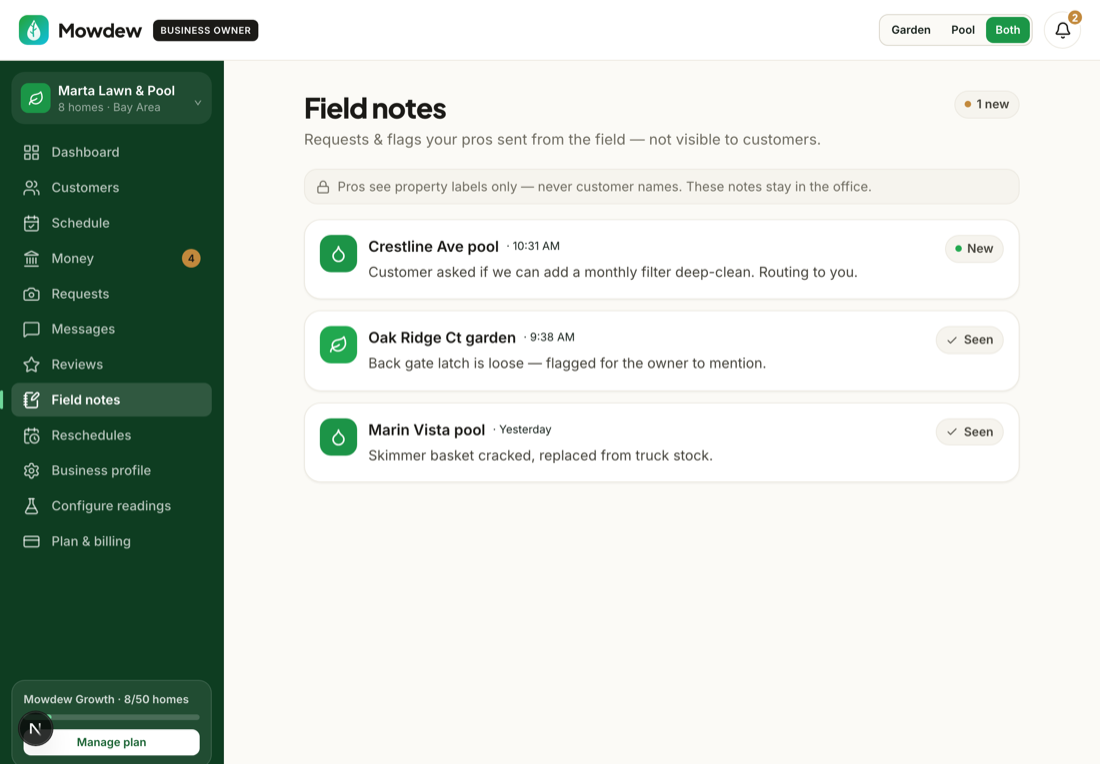
Turn a request into a priced quoteReady to charge for a job? See “Make a quote / schedule priced work” — the homeowner approves the fixed price before the pro shows up.
Was this helpful?Your answer helps us fix the docs that aren't working.